
Workday integration for HR that runs in Slack or Teams
Kin, Kinfolk's HR agent, works with Workday from Slack or Microsoft Teams. Employees book time off and managers raise job changes in a message. Kin then carries each request through the approvals and handoffs your HR team has defined, including the steps that sit outside Workday, and records every action in Workday under the employee's own identity.
Most HR requests start in Workday and finish somewhere else
A Workday integration connects Workday, your HRIS (the core HR system of record), to the other systems your people use, so they can get answers and finish HR tasks without opening Workday.
Workday has its own tools for this. Workday Everywhere, its app for Slack and Teams, lets employees check their Workday data and request time off in chat, and Sana for Workday is Workday's AI assistant. Both are built to make Workday easier to reach.
Most requests that reach an HR team need more than that. A role change is a Workday record, a salary band check, an HRBP approval and an access change in IT. Kin works with Workday as your system of record and takes each request through every step until it's done.
Workday's own app vs Kin with Workday
Workday's app makes Workday reachable from Slack and Teams. Kin closes the request, whichever system it touches.
Workday's own app column checked against Workday's documentation, October 2026.
What Kin handles in Workday for your HR team
Kin handles the Workday requests that fill an HR team's week, each one through a workflow your team defined, and passes on the ones that belong somewhere else.
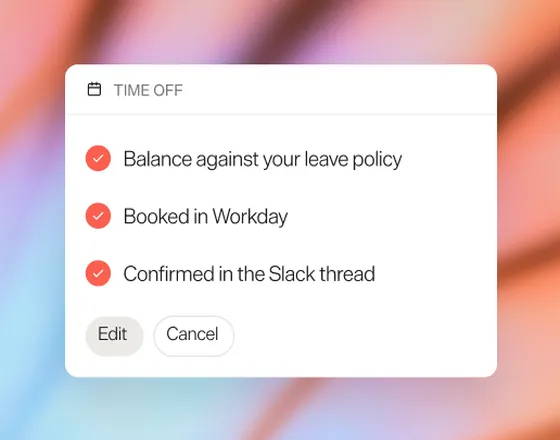
Time off
Kin checks the employee's balance against your leave policy, books the days in Workday and confirms in the Slack thread. If the employee's plans change, Kin can edit or cancel the booking in Workday.
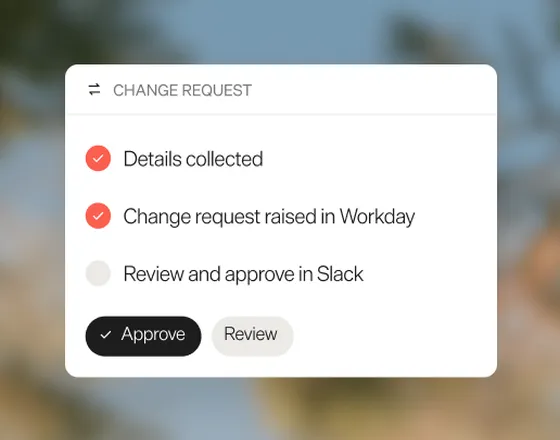
Job changes
A manager asks to move someone into a new role. Kin collects the details, raises the change request in Workday and asks the right people to review and approve the change directly in Slack.
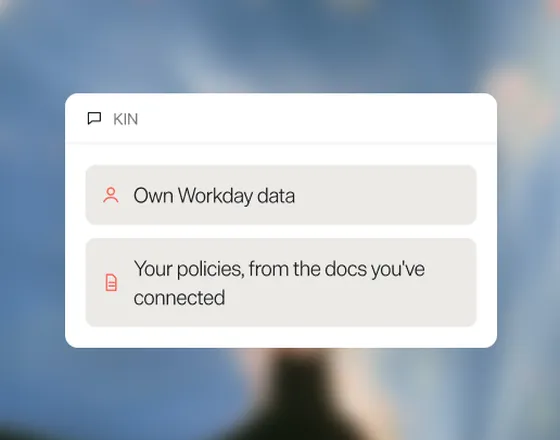
Questions
Kin answers questions about a person's own Workday data, and about your policies from the docs you've connected.
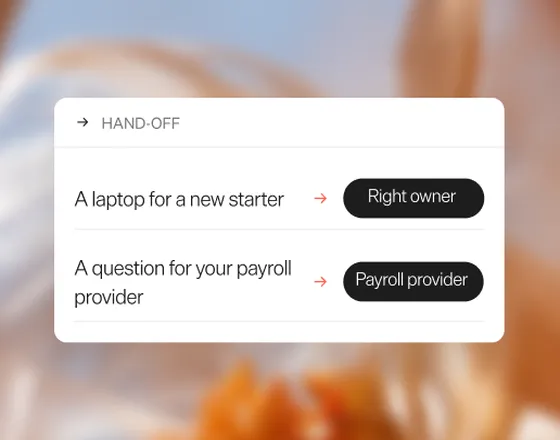
Requests outside Workday
A laptop for a new starter or a question for your payroll provider goes to the right owner before it turns into a ticket nobody picked up. Here's how Kin handles that hand-off when onboarding new hires.
A role change, from Slack message to Workday record
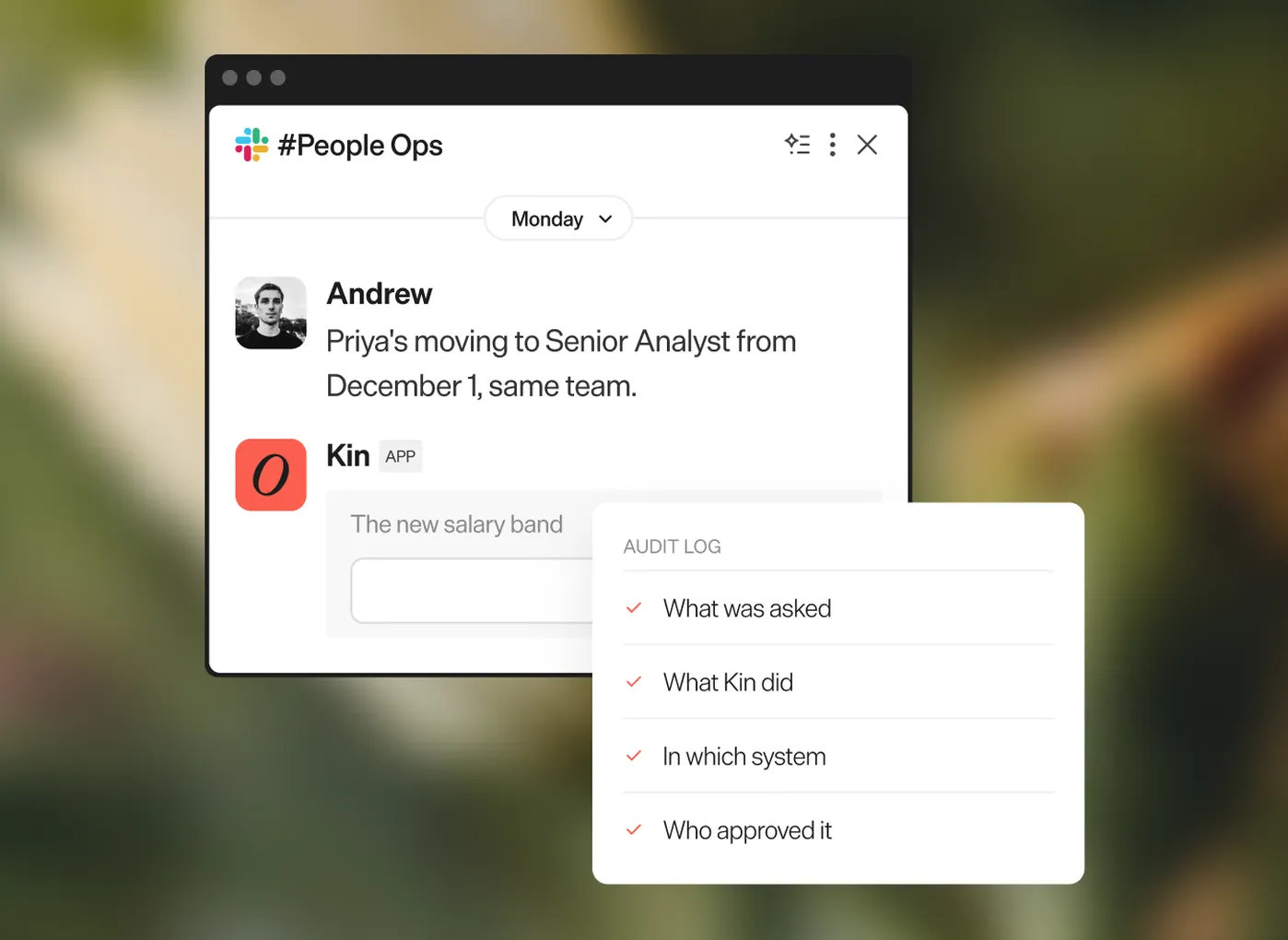
Role changes are among the most common Workday requests, and they rarely stay inside Workday. Here's one, from the first Slack message to the audit log.
- A manager writes in Slack: "Priya's moving to Senior Analyst from December 1, same team."
- Kin checks the job change policy and creates a form in Slack to ask for the one missing detail, the new salary band.
- Kin raises the job change request in Workday and sends a Slack notification to the HRBP to approve.
- The HRBP approves in Slack, and the request is approved in Workday.
- Kin confirms in the thread and lets IT know about the access change for the new role.
- Each step, with who approved it and when, goes into Workday's audit log.
Governance, permissions, and an audit log you can read
Kin reads and writes HRIS data only through the tools you've scoped, down to the field. If a tool doesn't need compensation data, it never sees compensation data.
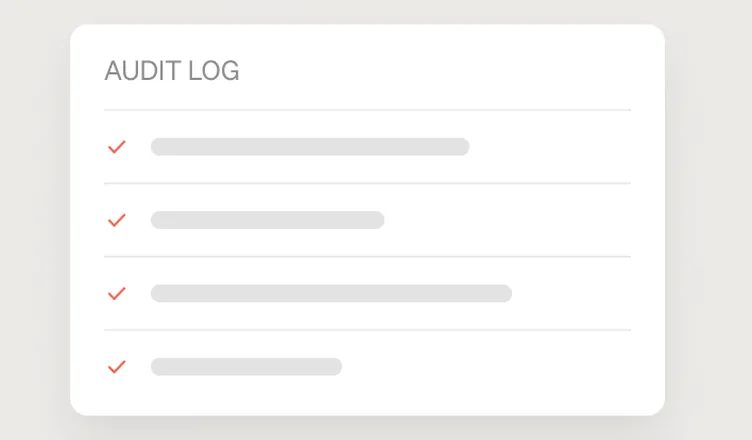
Every action Kin takes is recorded in an audit log your team can read in plain language: what was asked, what Kin did, in which system, and who approved it.
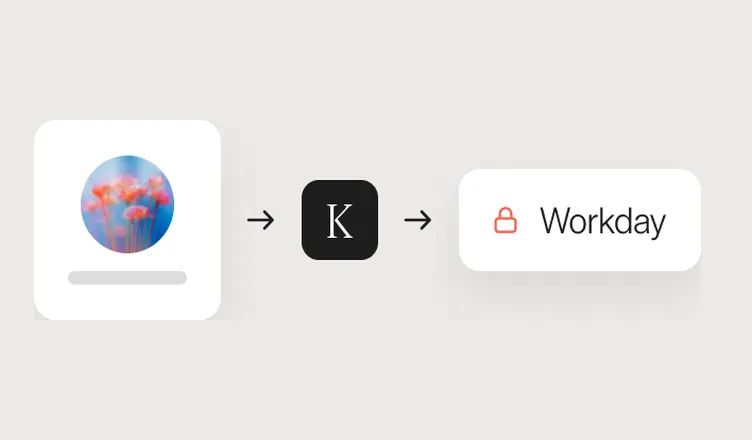
With our OAuth integration, every action which employees take in Workday via Kin is tracked in Workday under the employee's own identity.
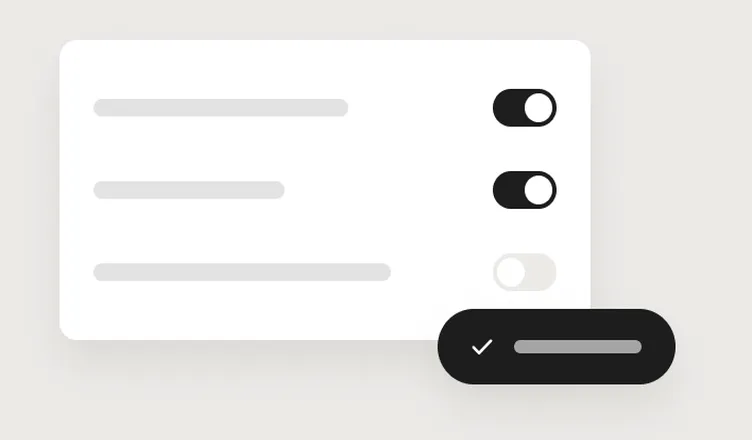
Access is scoped field by field, and sensitive steps wait for a human approval before they run.
Will employees see Workday data they shouldn't?
Employees engage with Workday through Kin via OAuth, using their own identity and permissions, so an employee sees what they would normally see in Workday: they can see their own records, and managers can see their teams.
What if someone's Slack account doesn't match their Workday record?
Kin matches each Slack user to their Workday worker record before it acts, and stops to ask if it can't find a match.
Who sets up the Workday integration, HR or IT?
Both, briefly. Your Workday admin grants Kin access once, and your Slack or Teams admin approves the app. Your People team then decides which Workday fields each tool can use and who approves what.
Your plan includes the Workday integration, connected and maintained at no extra charge, and implementation. Workday's own Slack app can stay installed alongside Kin.
What changed for Hudl's People team
"The goal wasn’t to remove interaction with HR. It’s to empower employees to get the answers they need and involve the right person only when necessary."



Frequently asked questions
Does Workday integrate with Slack?
Does Workday integrate with Slack?
Yes, Workday integrates with Slack through its own app, Workday Everywhere, which lets employees check their Workday data, request time off and get approval notifications in Slack.
Does Workday work with Slack or Microsoft Teams?
Does Workday work with Slack or Microsoft Teams?
Yes, Workday works with both Slack and Microsoft Teams through its own app for each. Kin, Kinfolk's HR agent, also runs in Slack and Teams, so HR teams can handle Workday requests in whichever tool their company uses, with the same approvals and audit log in both.
What can Kin do in Workday?
What can Kin do in Workday?
Kin, Kinfolk's HR agent, can book and edit time off and submit job changes in Workday, then handle the approvals and handoffs around them, with an approval before any sensitive step. Kin only acts on the Workday fields and actions your HR team has scoped, and every change is recorded in an audit log.
Who sets up the Workday and Slack integration, HR or IT?
Who sets up the Workday and Slack integration, HR or IT?
Both HR and IT set up the Workday and Slack integration with Kin, Kinfolk's HR agent. Your Workday admin grants access once and your Slack or Teams admin approves the app, then your HR team decides which Workday fields Kin can use and who approves each action.
What Workday data can Kin see?
What Workday data can Kin see?
Kin, Kinfolk's HR agent, can see only the Workday fields your HR team has scoped for each tool. If a tool doesn't need compensation data, it never sees compensation data. Every time Kin reads or writes Workday data, the action is recorded in an audit log your team can read.
Works well with


- Workday admin guide: Workday Everywhere for Slack and Microsoft Teams
- Workday app on the Slack Marketplace
- Sana for Workday product page