How Kin works
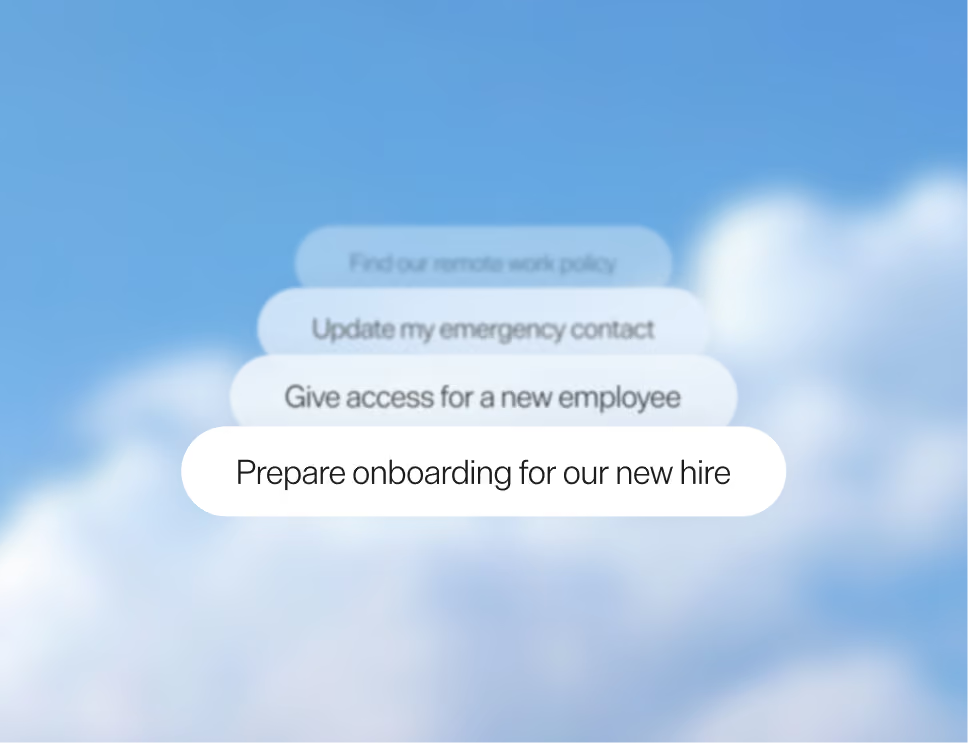
Kin answers requests, runs your processes with approvals, and routes the rest to the right team, so 80% of Tier 0-1 requests never reach your queue.
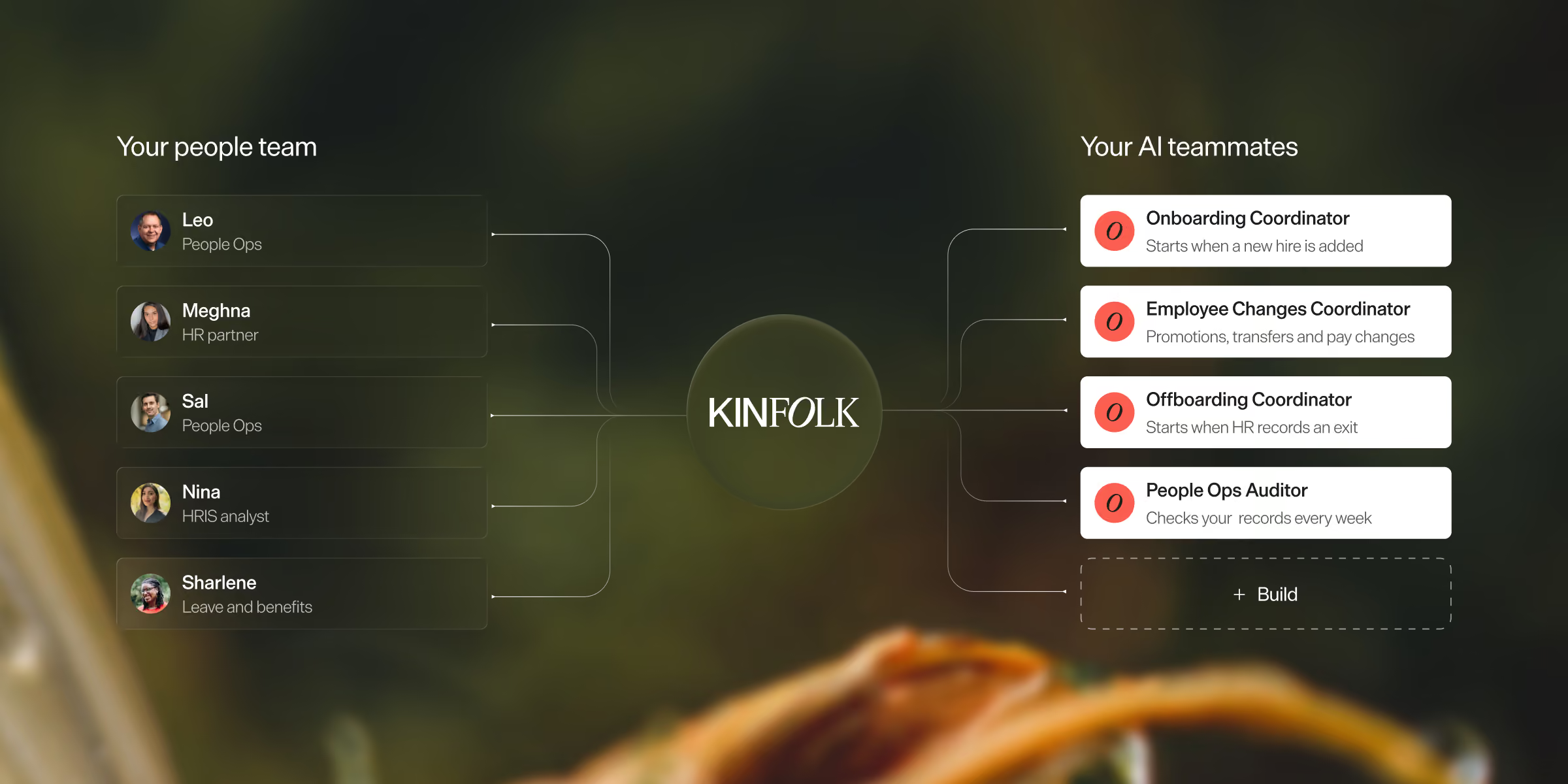







People ask. Kin acts. You approve.
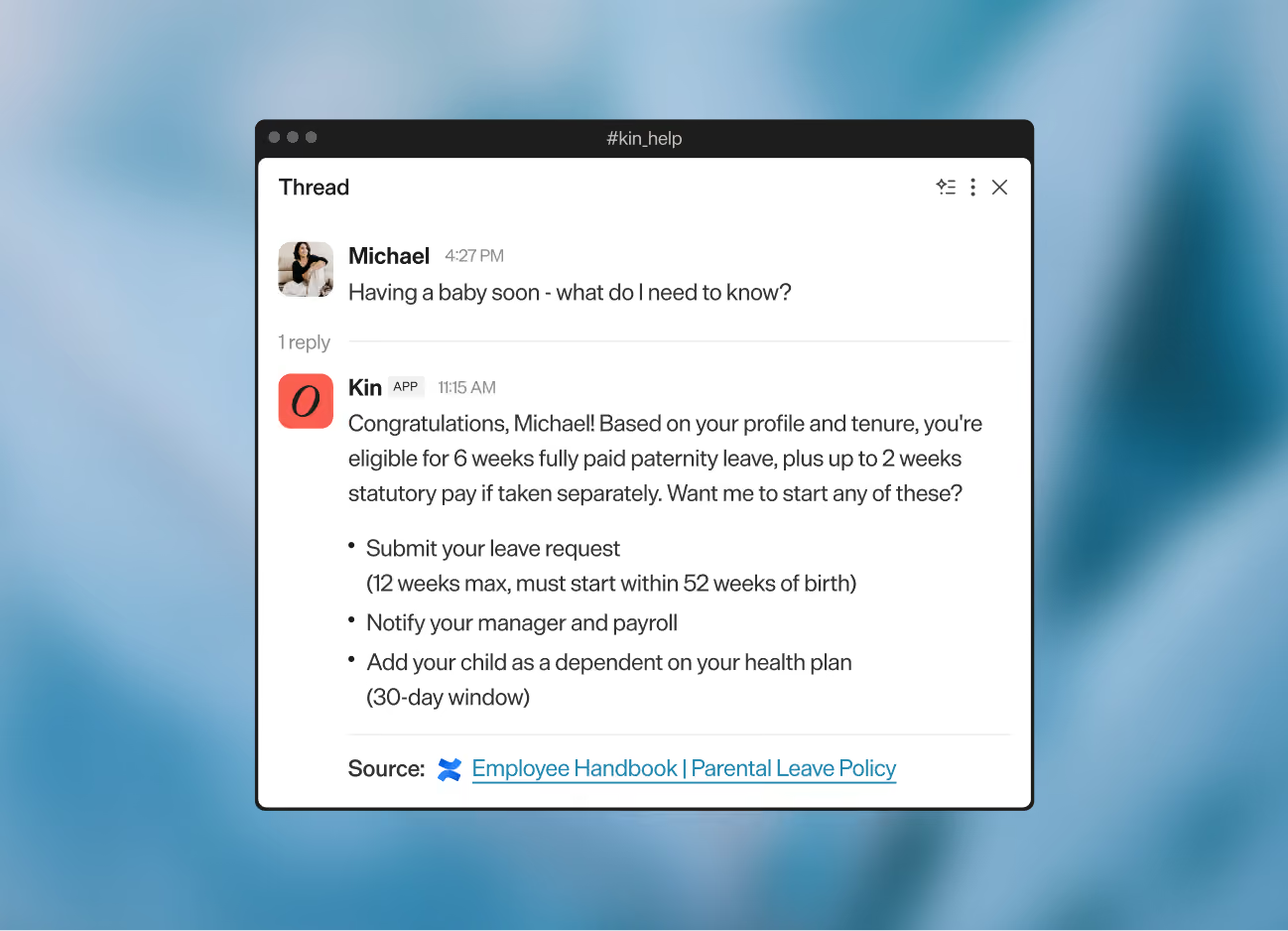
A single front door
Kin handles every request in the thread, so there's no need to switch between chatbots, tickets, emails, portals, and HRIS. It can also sit behind your own assistant through MCP.
Letters drafted and sent
Kin looks up employee data, then creates, sends and uploads the letter to the HRIS, or shares data with HR for external requests.
Your HRIS, now headless
Kin triggers processes in Slack or Teams, surfaces approvals, shows live HRIS data in forms, and updates records, all with audit trails.
Secure, intuitive case management

Auto-triaging and routing
Requests that need a person arrive categorized, prioritized, and tracked against your SLA, and Kin routes each one to the right owner.
Segregated yet collaborative
Each team gets their own workspace, so sensitive data is only visible to the right people, while teams can loop in others on requests.
Plugged into IT ticketing
Kinfolk connects with systems like Jira and ServiceNow, so IT teams embedded there don’t need to change how they work.
Visibility, auditability, control
Spot what needs your attention
Identify gaps in policies and processes, track team workload, measure SLAs, service quality, adoption and deflection rates.
Audit trails for every action
Track how a request was handled, who triggered a process or approved a step, when an agentic workflow ran, and more.
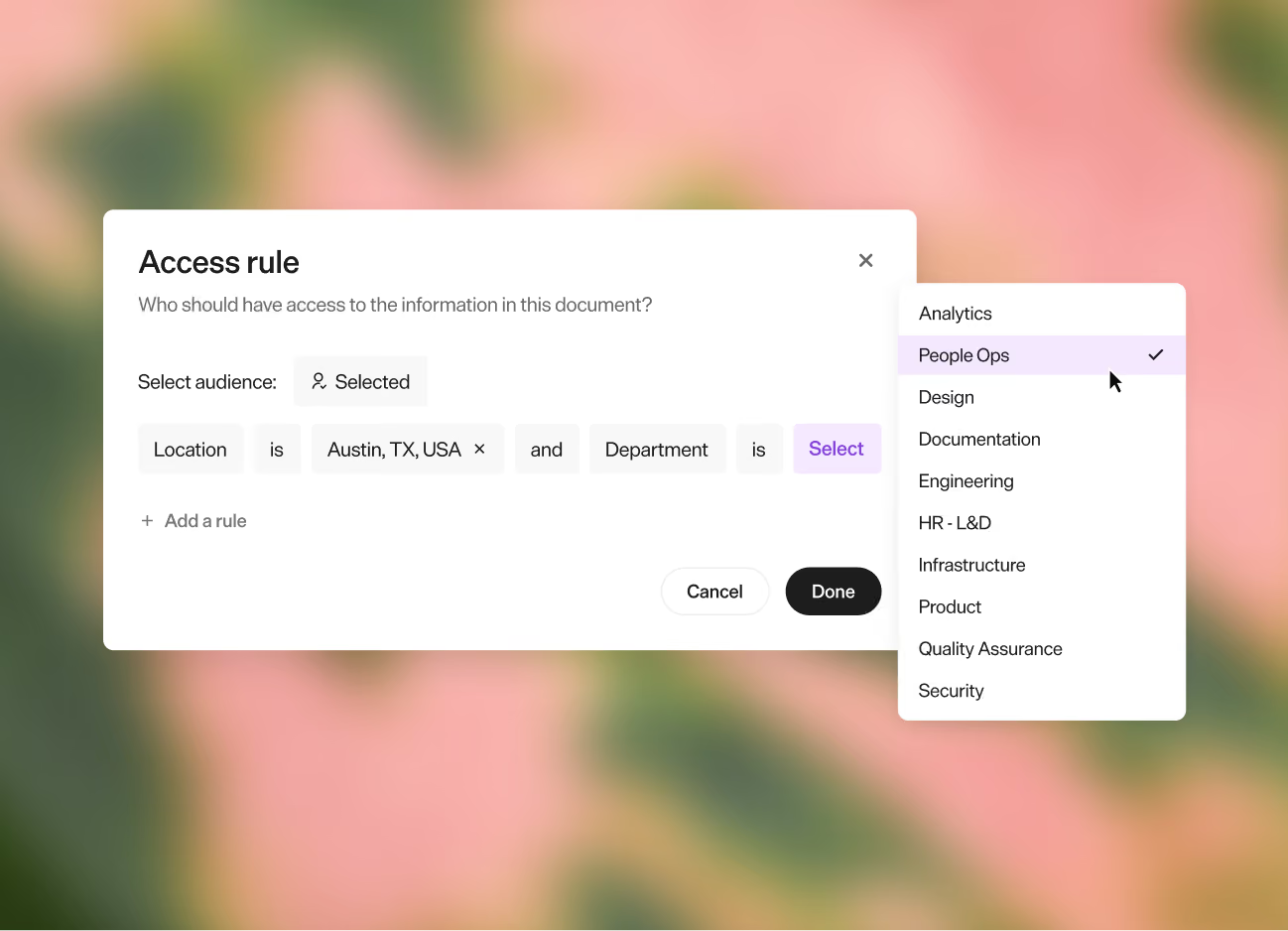
Access and permissions
Control access to knowledge, workflows, and in-app privileges, and how much access the AI has to your data, down to each field.
The autonomy to move fast

Build your own agents
Design and deploy agentic workflows at will, from your process docs and our best practices. No code needed, and no dependency on internal engineering or IT.
Guardrails and behaviors
Use natural language to set guardrails, choose which steps wait for approval, and guide Kin to handle requests just like a member of your team. Corrections you make apply from then on.
AI playground
A sandbox to test everything before it goes live, knowledge retrieval, escalations, new use cases and workflows.
Keep the human parts human