HR isn't meant for repetitive admin. Kin is.
Kin plugs into the HR systems you already run and does the work that falls between them. Your onboarding coordinator this quarter, your performance analyst the next, it becomes whichever teammate you're missing.









Kin does the work. Your team stays in control.
Routed to the right team, in our ticketing or yours
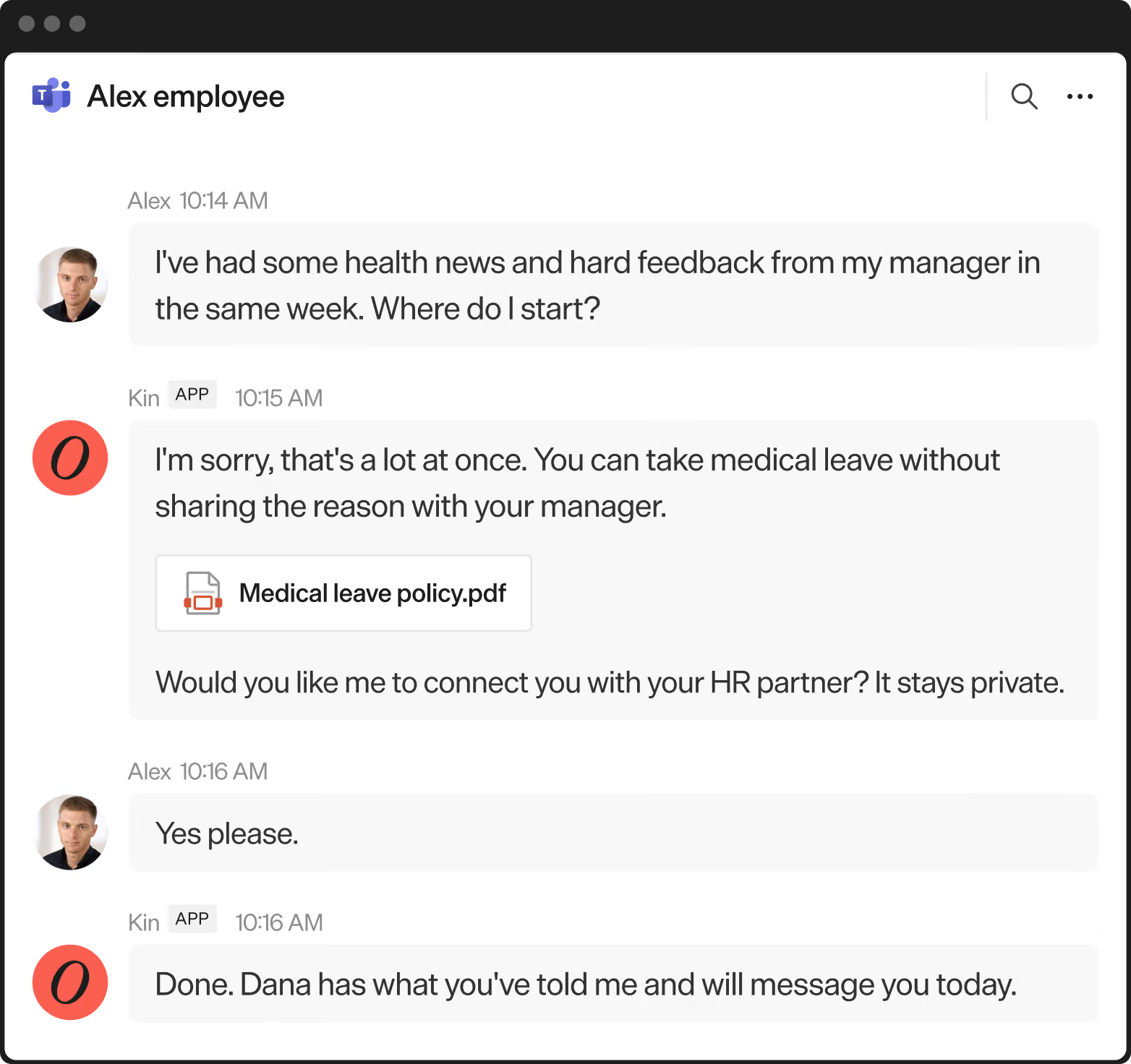
You decide what Kin can do, and what waits for approval
Build your own agents from your process docs and our best practices
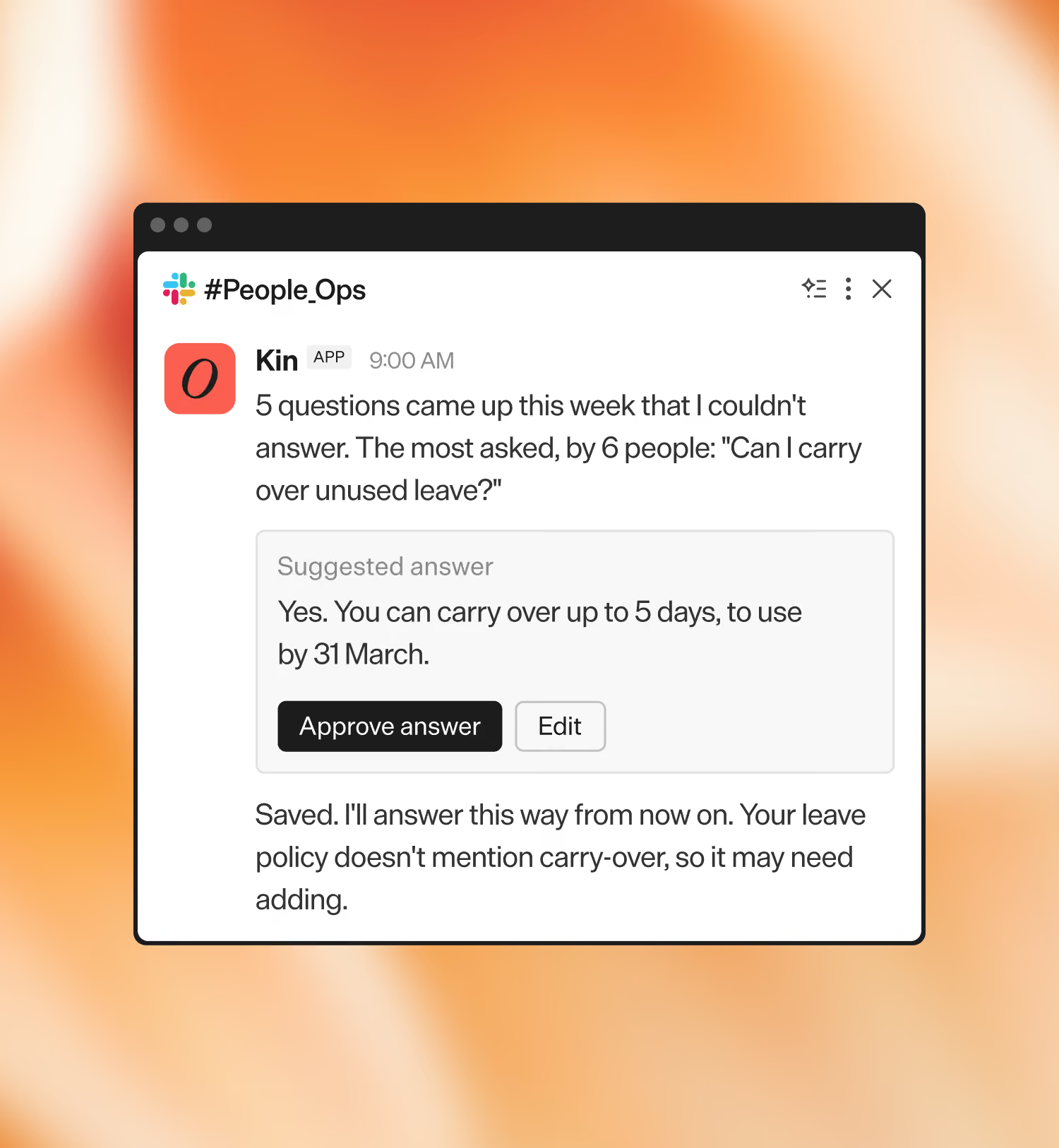
See what's done, stuck, and improved
"It's a complete non-negotiable at this point. You see the ROI immediately. It takes the administrative components out of an HR team and gives the team back time. It's hard to think about how we were operating before."



"Every query required manual handling, it was so hard to tell where to focus without reporting. With Kinfolk we resolved over 5,000 queries through self-serve and got brilliant CSAT in just 5 months"


"This mindset shift has turned how we work into a customer experience thing. Instead of reacting to repetitive requests, the team now examines friction points and builds agents to address them."


"The goal wasn’t to remove interaction with HR. It’s to empower employees to get the answers they need and involve the right person only when necessary."



The specialist agents behind Kin, working alongside your team
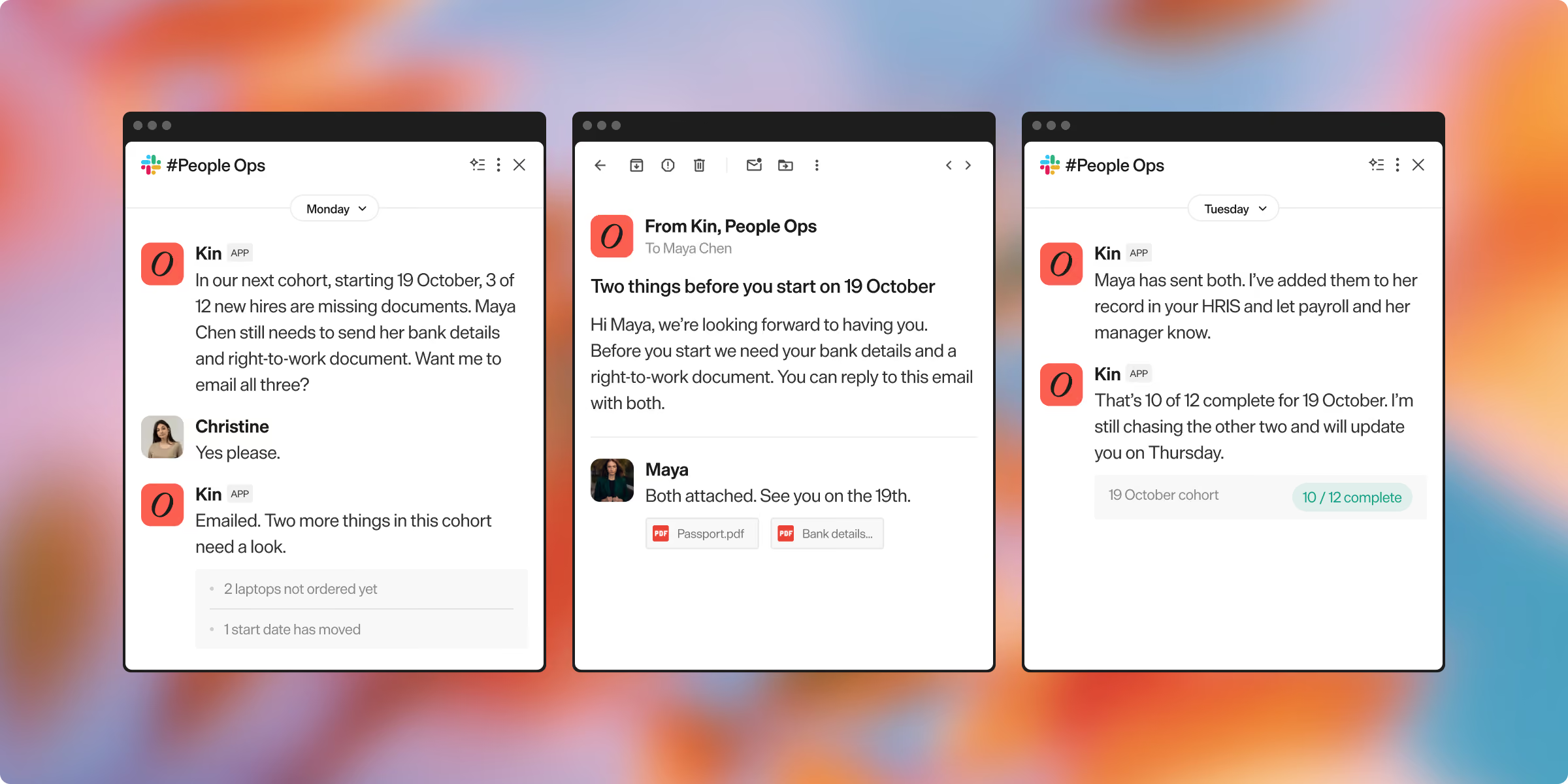
Onboarding Coordinator
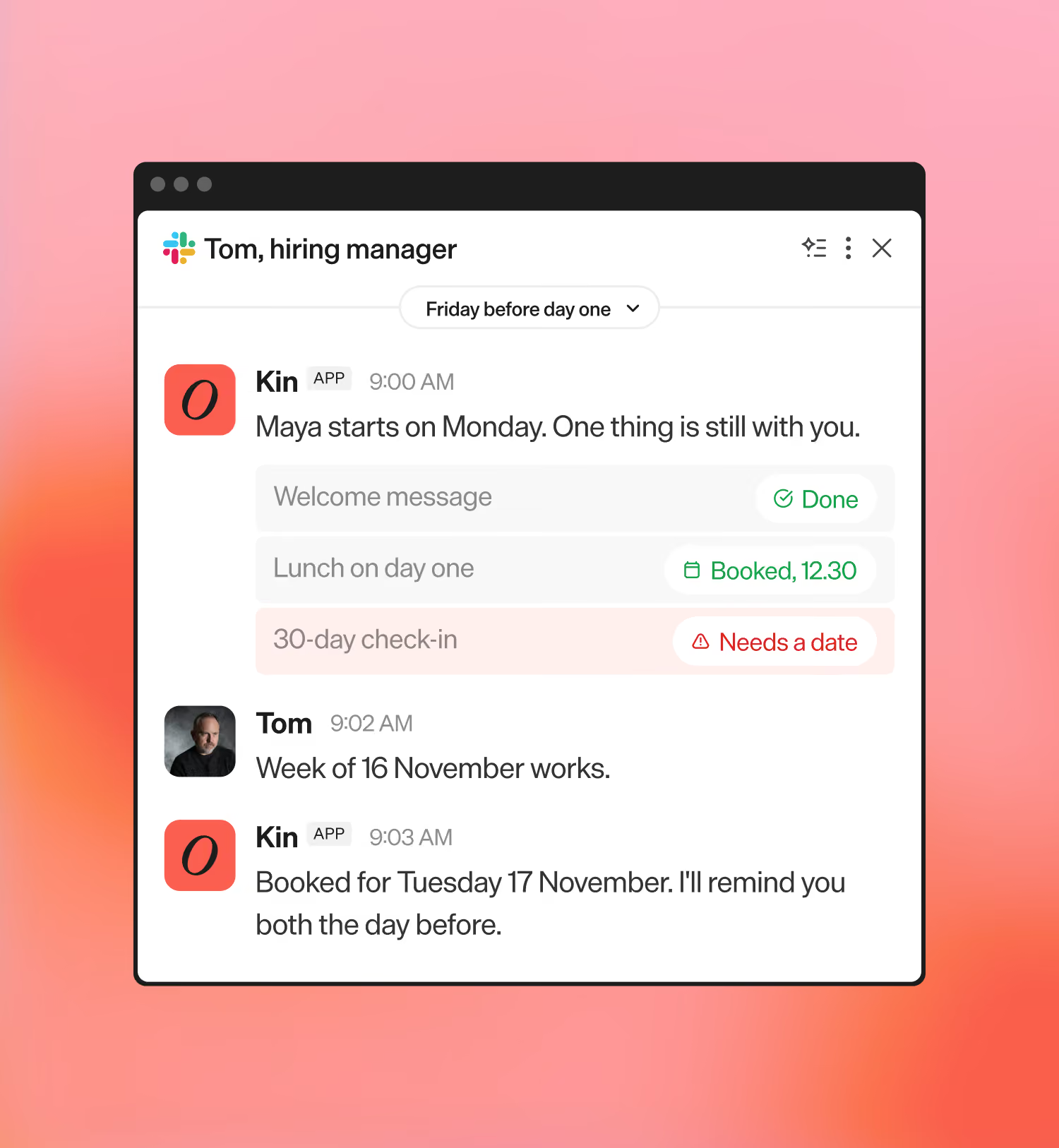
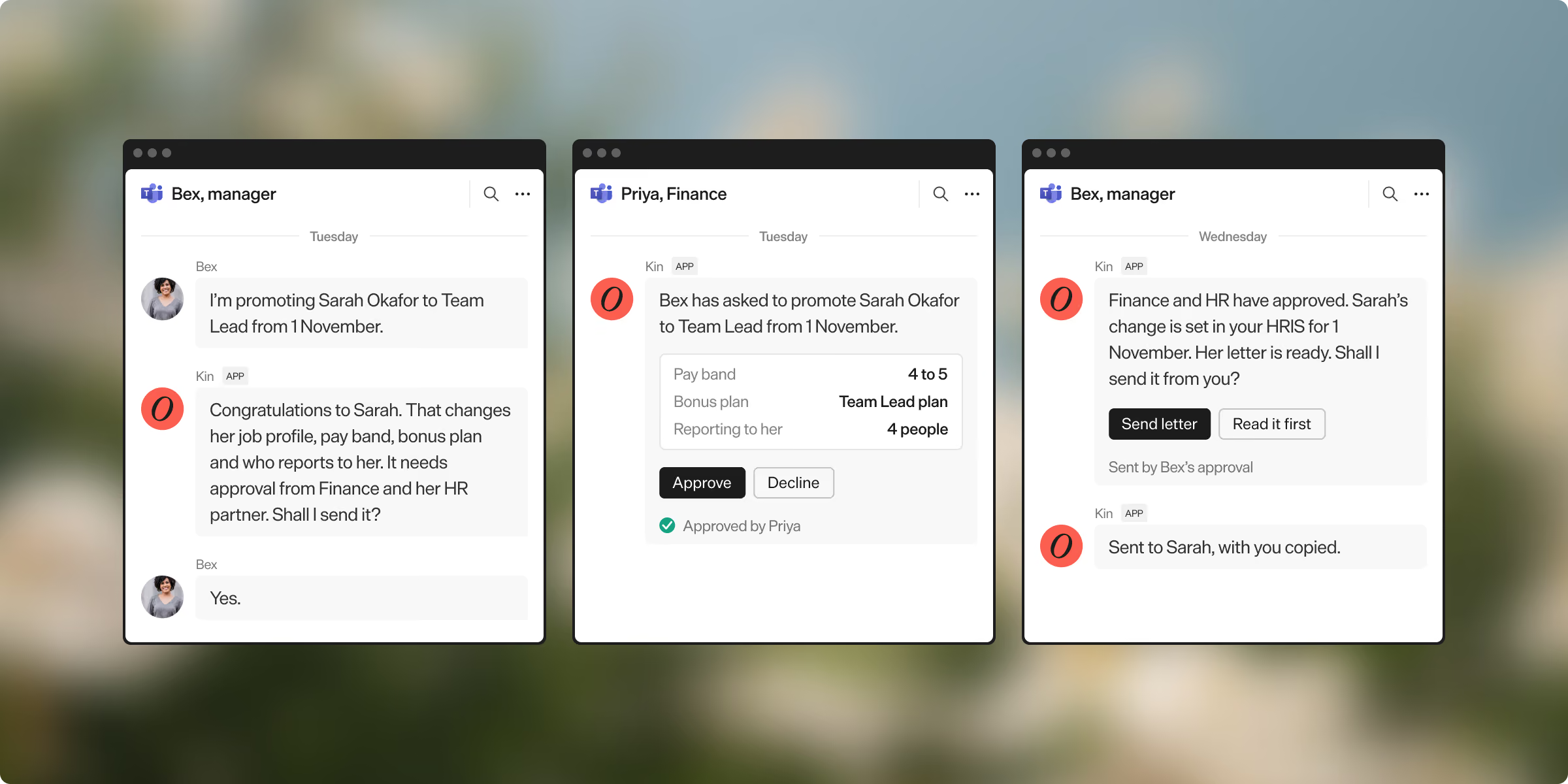
Employee Changes Coordinator
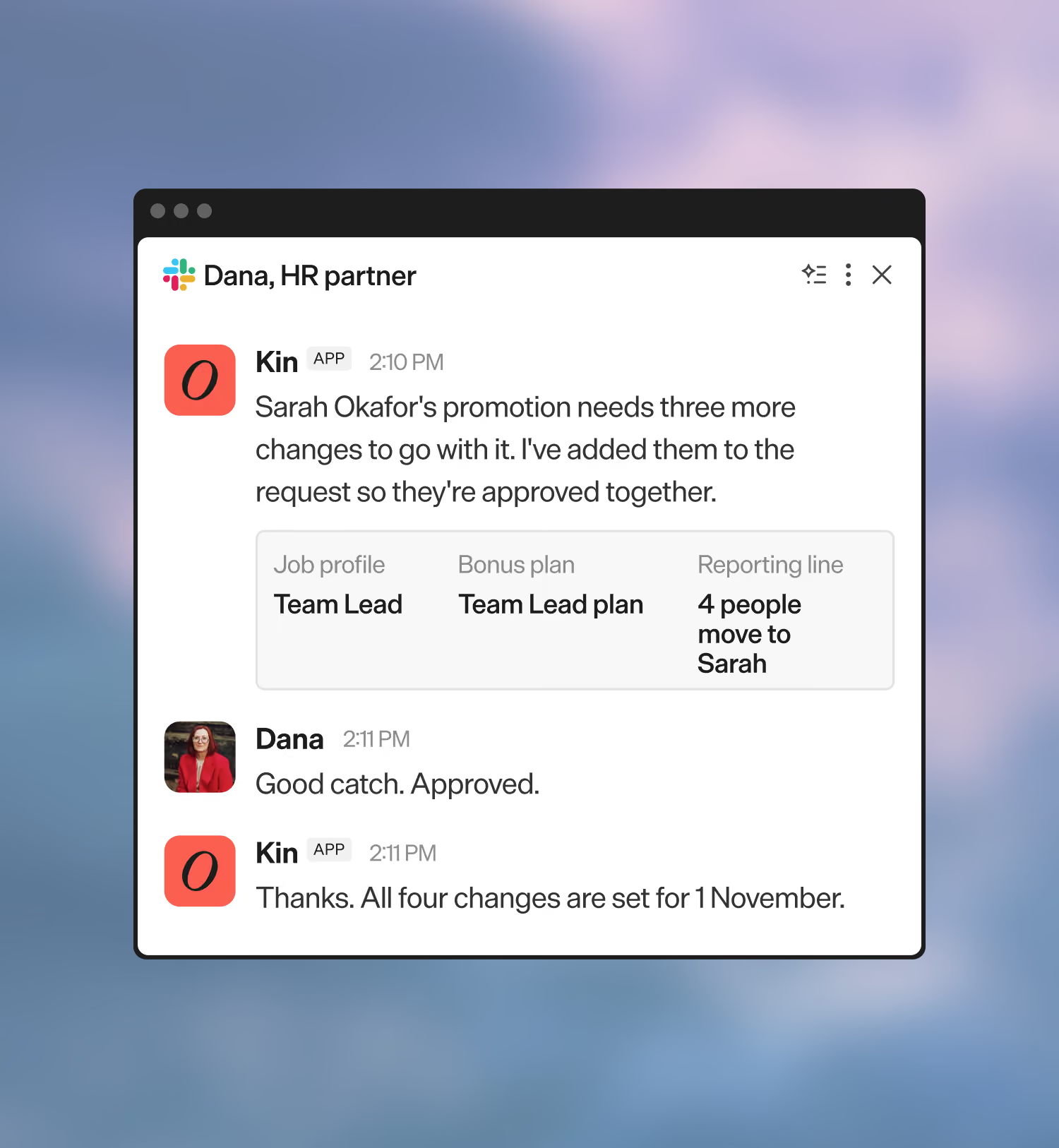
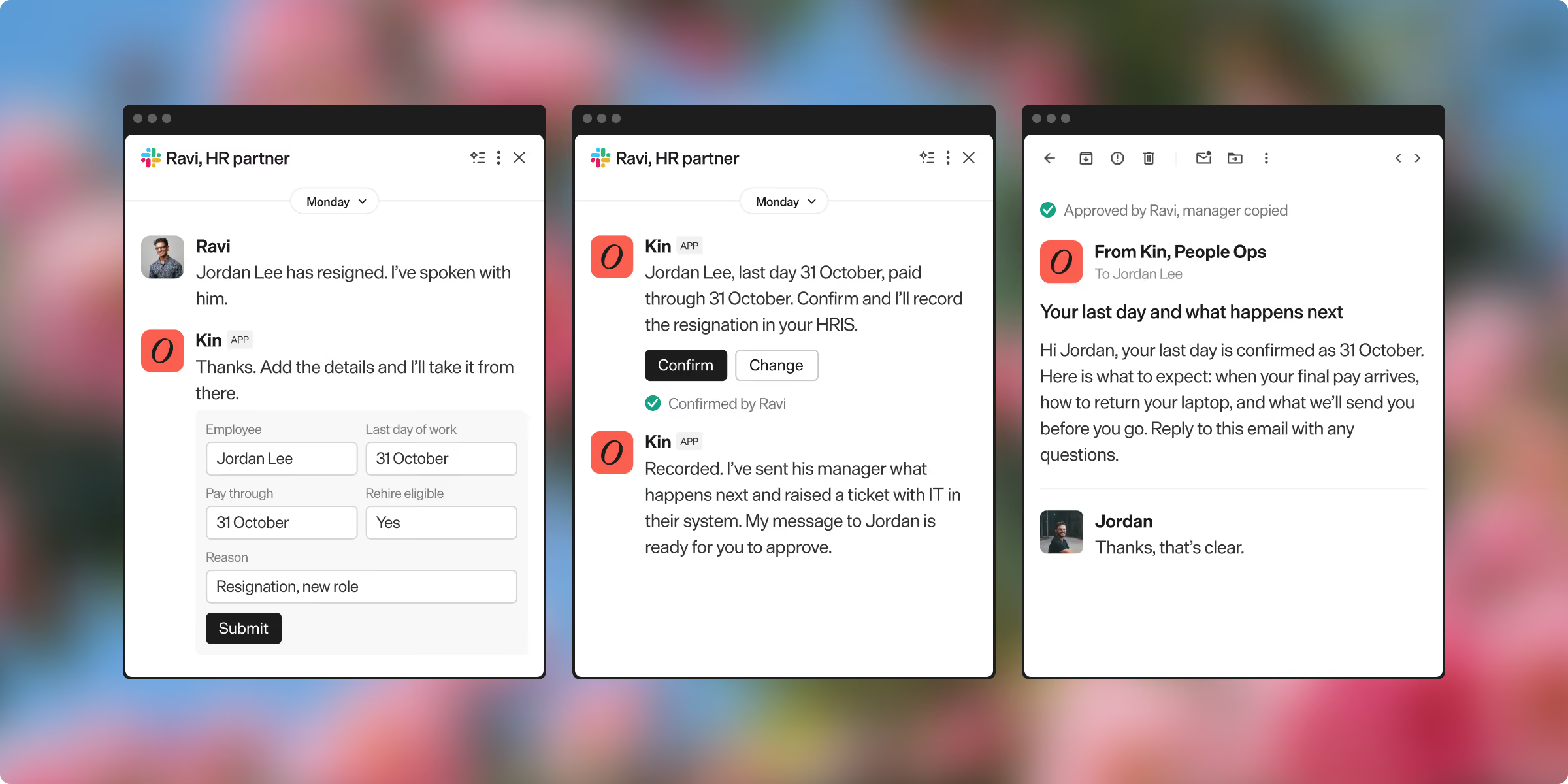
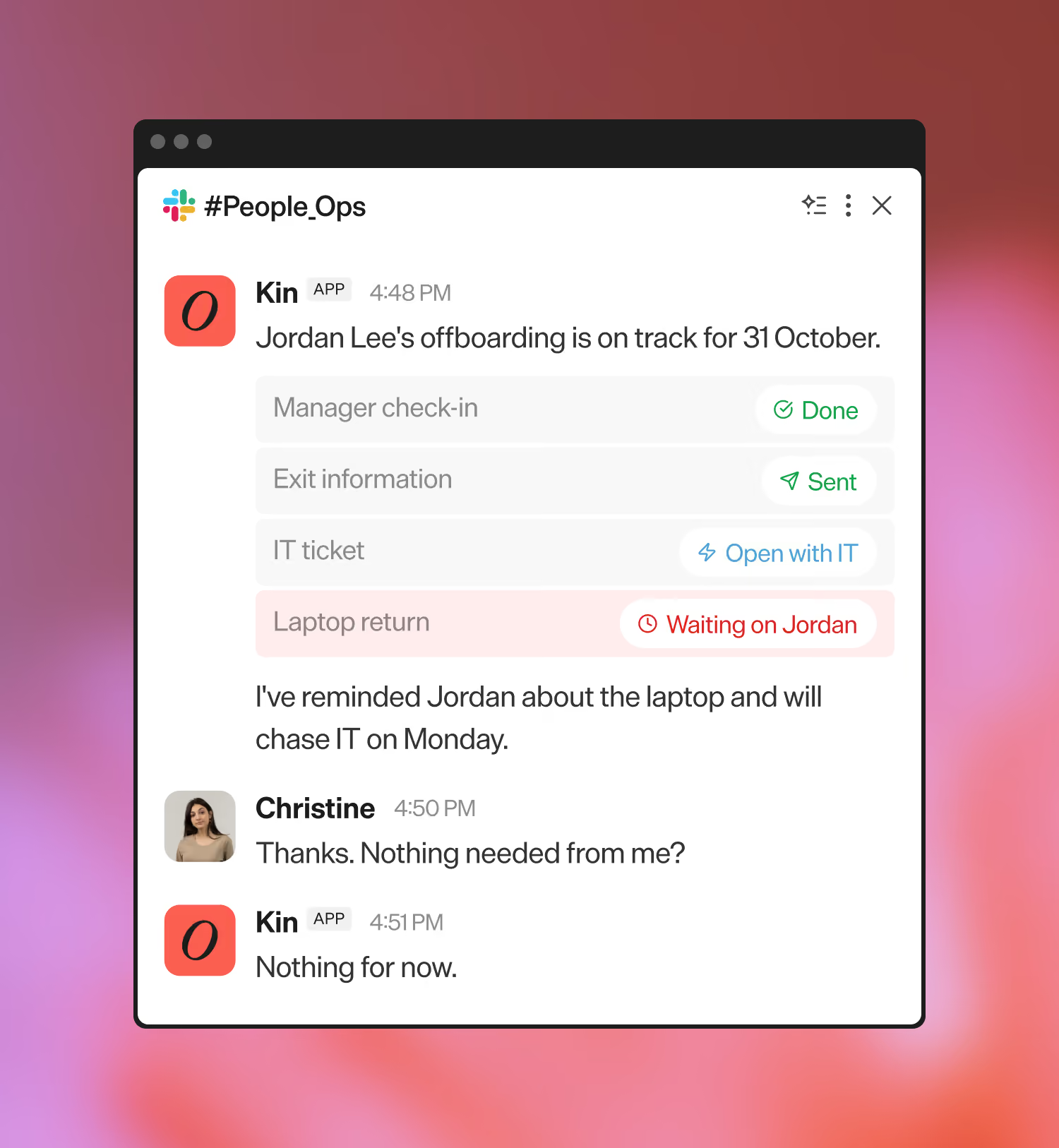
Offboarding Coordinator
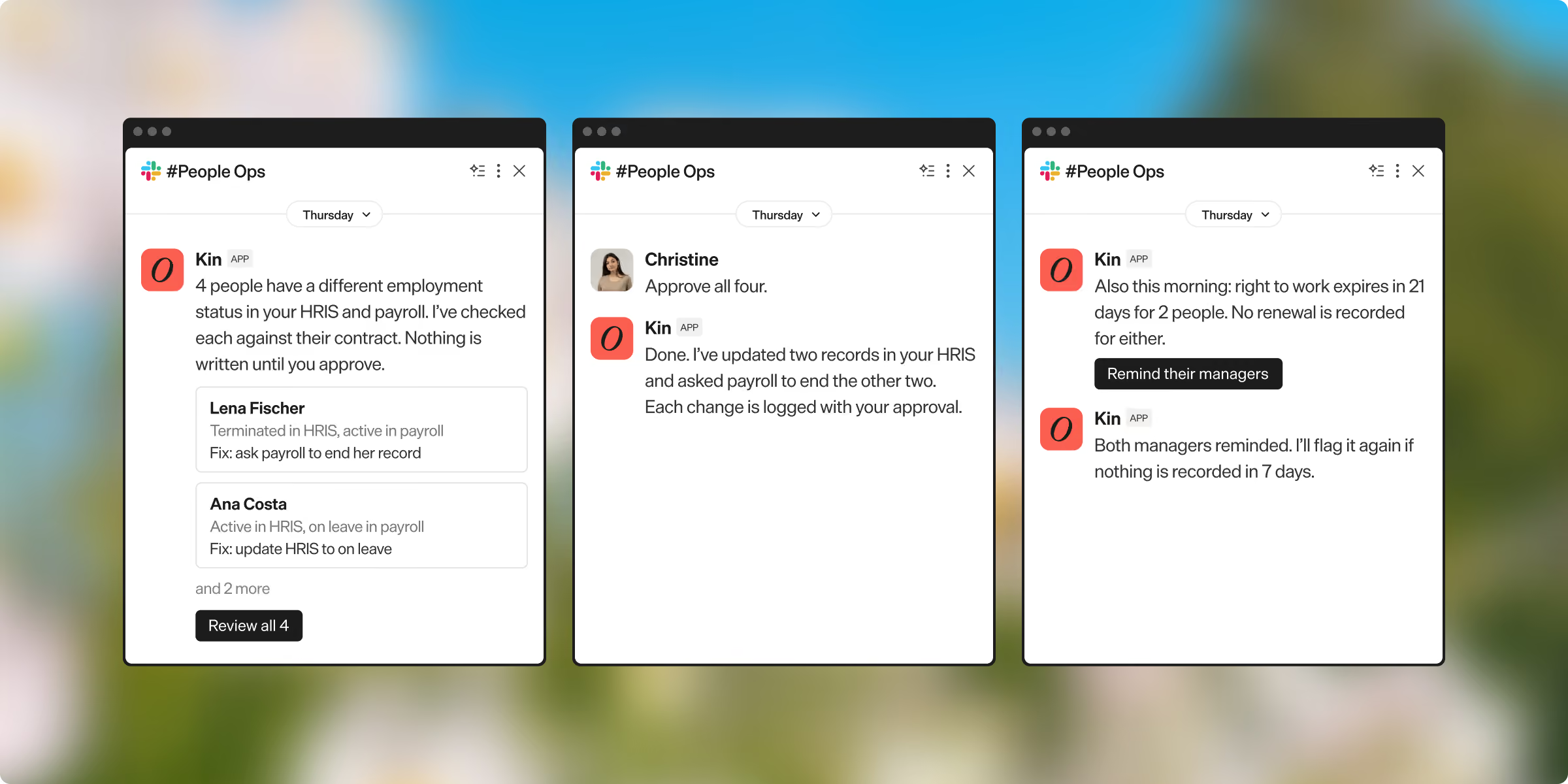
People Ops Auditor
Integrated with every tool that matters to you


Enterprise grade security
From first call to live, at your pace
Talk to the team
Tell us how the process runs today, where it gets stuck, and what you'd like Kin to handle.
Proof of concept (POC)
Kin connects read-only or works from a data export. You see how it handles real work before it can change anything.
Go live with your first use case
We build it with you, based on how your team works today, with approvals wherever you want them.
Add more use cases
Pick the next process when it suits you. Your team can also build and edit agents themselves.
Frequently asked questions
Does Kin replace our HRIS?
Does Kin replace our HRIS?
No. Your HRIS stays the system of record. Kin reads from it, does the work around it, and writes approved changes back.
Our HRIS has its own AI agents. Where does Kin fit?
Our HRIS has its own AI agents. Where does Kin fit?
Alongside them. Your HRIS is your system of record, and its agents suit work that stays inside it. Kin connects to it and takes the work that runs past it, through payroll, IT and the people who have to act. We set Kin up one use case at a time, using your HRIS's own workflows wherever they already do the job.
Why not build this ourselves in Claude or Copilot?
Why not build this ourselves in Claude or Copilot?
You can, and many teams start there. The effort comes after the first version: approved write-back to the HRIS, field-level permissions, an audit trail, hand-off to a person, and upkeep when a policy or system changes. Kin ships with those.
We already have an internal chatbot or agent. Does Kin replace it?
We already have an internal chatbot or agent. Does Kin replace it?
No. Keep it as the place people ask. Kin works behind it through MCP and gives it the HR work: workflows, approvals, changes written to your HRIS, and an audit trail. We maintain that part, so your team doesn't have to. This works with assistants that support MCP, such as Claude. Where yours doesn't yet, people reach Kin in Slack or Teams.
How long until we're live?
How long until we're live?
It depends on your size and how quickly your IT and security teams approve access. Some teams are live within a month. Larger organisations phase it over several. We move at your pace.
How do we get started?
How do we get started?
Talk to the team. The first step after that is a proof of concept on your own data: give Kin read-only access to your HRIS, or upload an export, and see how it responds and what it finds before anything can be changed.